Find your
way back.
Save a spot with one tap, then let GoBack bring you back to it: a compass that points the way, your own breadcrumb trail, and maps that work offline. For your car, your camp or the summit.
GoBack in under a minute.
Narrated and drawn from the real app. Turn the sound on, or watch it full screen on your computer or iPhone.
Three steps.
Then wander freely.
Parked in a big city, camping off the grid or heading up a trail: mark where you started, and GoBack always knows the way home.
Points the way.
Counts it down.
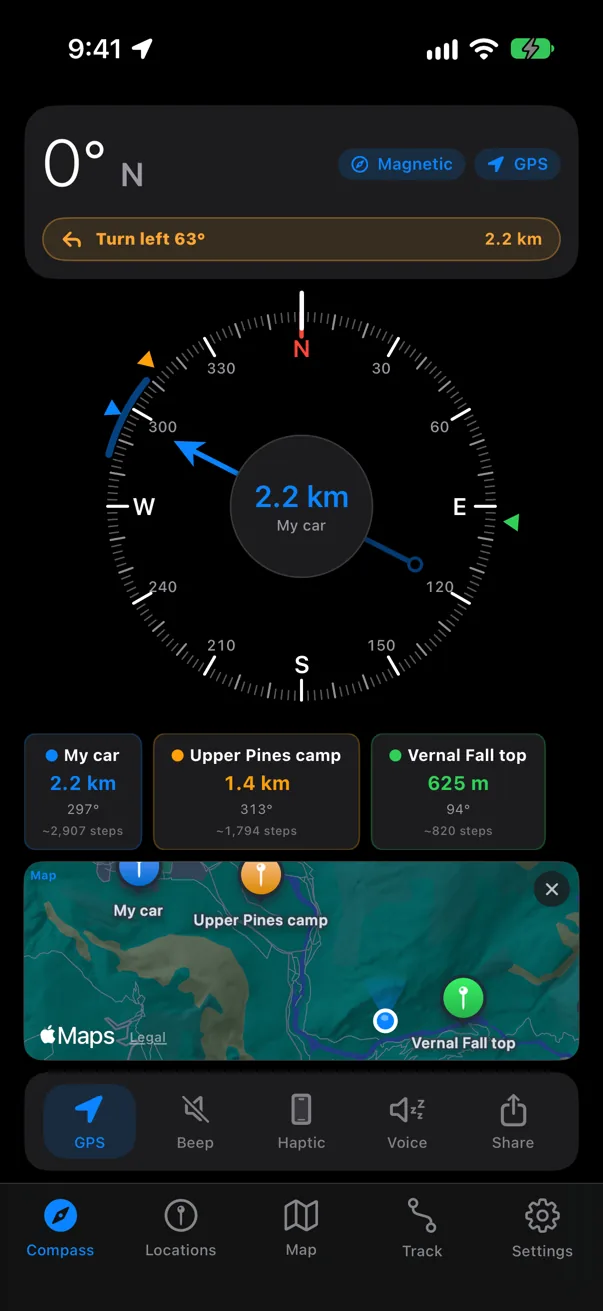
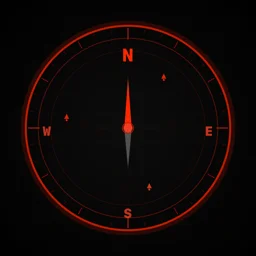
Every saved place sits on the dial ring in its own color. The arrow points at your target, the center shows how far it is, and GoBack tells you which way to turn.
Car, camp and summit on one dial, each in its own color.
Spoken guidance with distance, turns and arrival while GoBack is on screen. Great with AirPods.
Gyro-fused heading that re-anchors to the compass when you stand still, referenced to true north so it matches the map.
Metric or imperial, plus a step count for the last stretch.
Every spot that matters, one tap away.
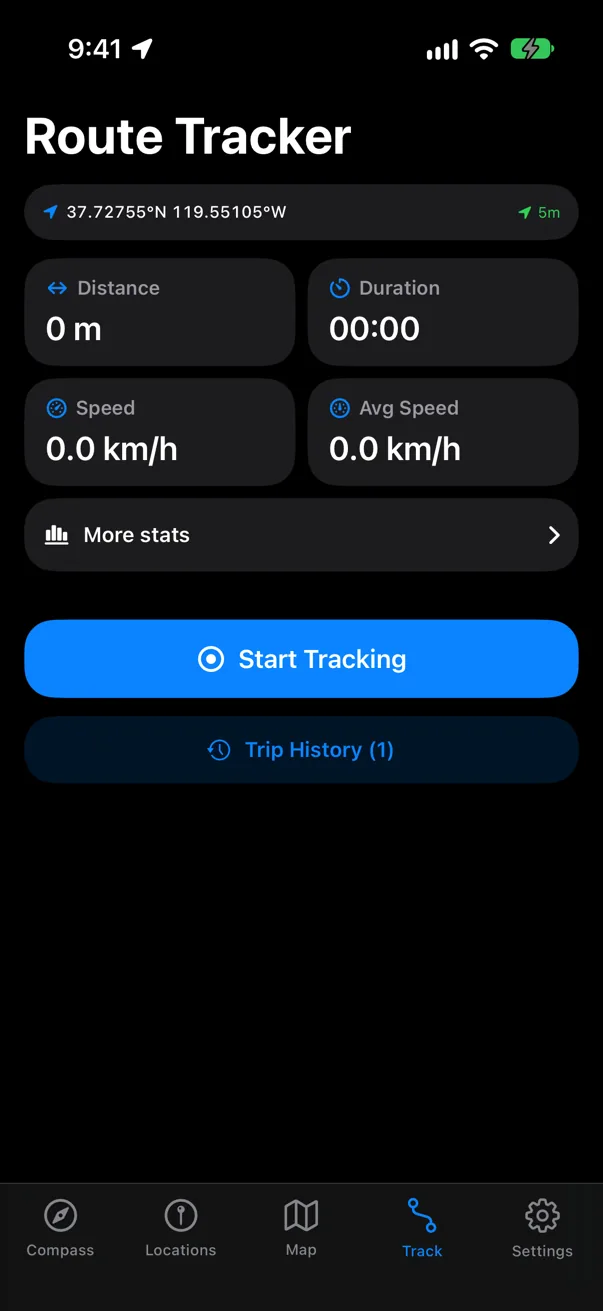
Save where you parked, your tent, the trailhead or that pizza place. Each one shows its distance and bearing, live.
Set when the meter runs out and get a reminder before it does.
Share an Apple Maps or Google Maps link to GoBack to save it. Send a place to a friend, or open it in Apple Maps, Google Maps or Waze.
Standard, MGRS, or both side by side, for search and rescue or the outdoors.
Places and settings follow you to a new iPhone, in your own private iCloud.
Satellite detail.
Even off the grid.
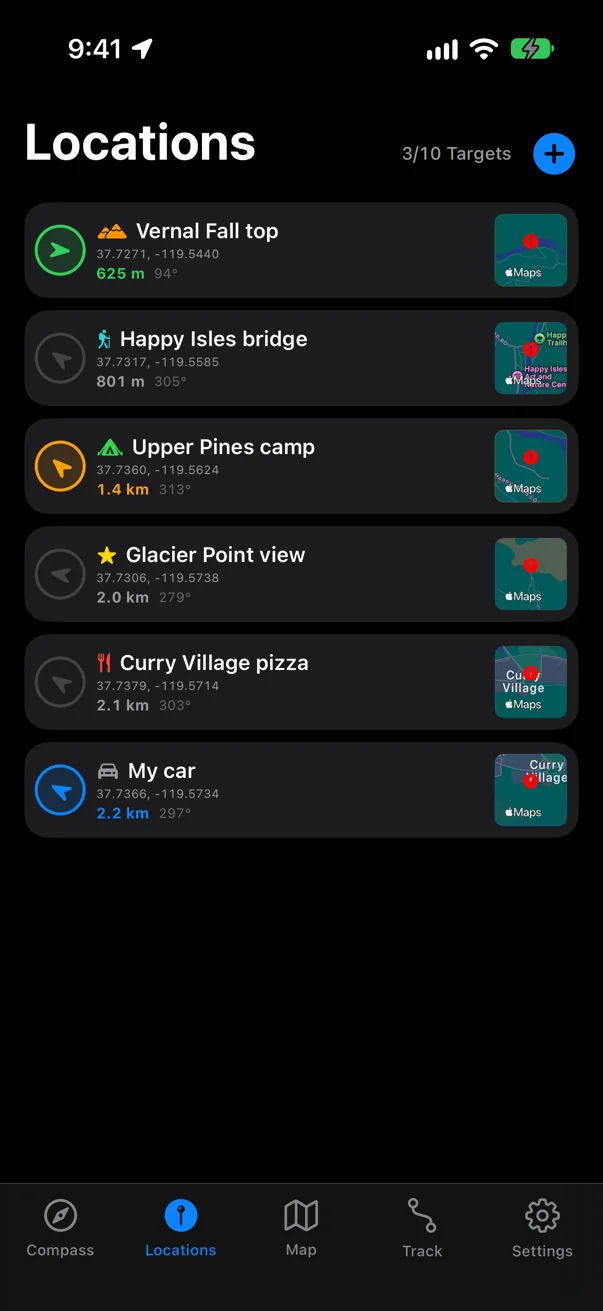
See all your places and the straight line back to each one, on standard, satellite, hybrid or muted maps.
Download the area before you go, so the map still works where there's no signal.
See current conditions and forecasts for your saved places, with Apple Weather attribution and data-source links in the app.
Find a place, drop a waypoint, and navigate to it with the compass.
Your trail, recorded.
Your way, retraced.
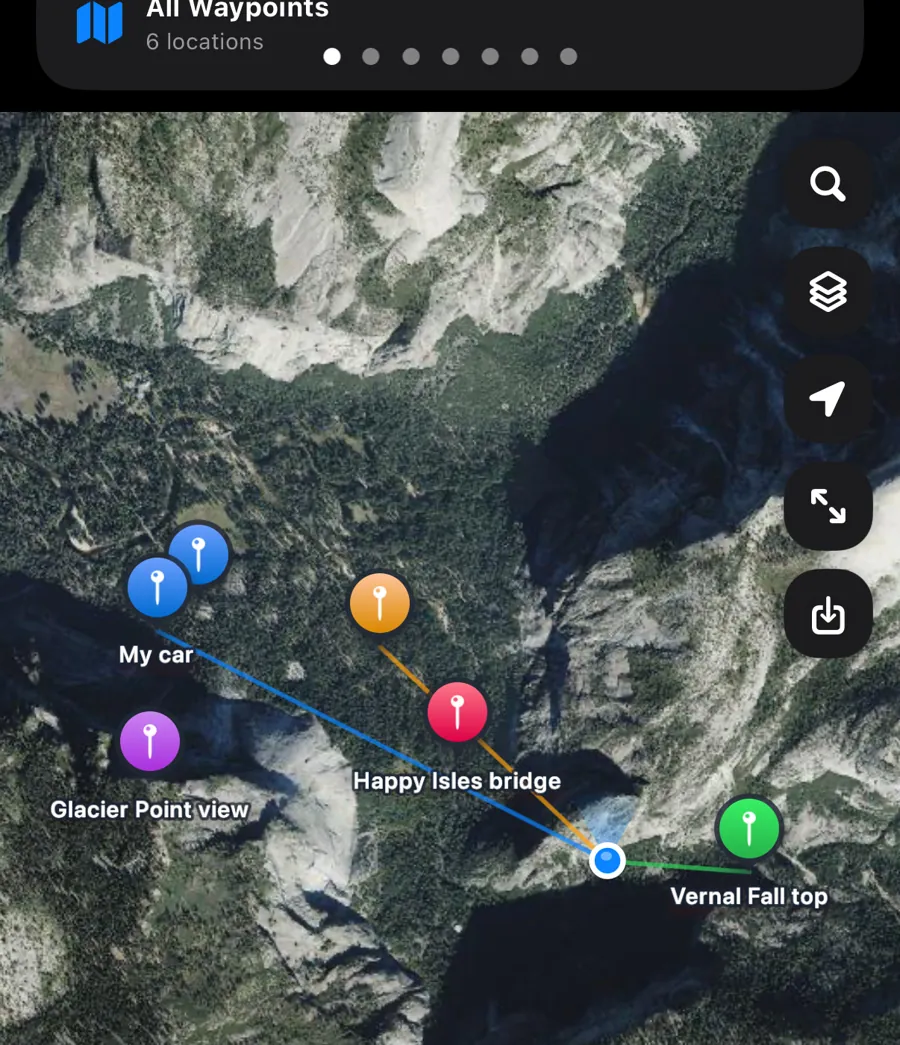
Record a walk, run, ride or drive. GoBack draws it in color by speed and keeps every trip, and when it's time to head home it can lead you back along the exact path you came.
Follow your own breadcrumbs back to the start, or forward to where you stopped.
Live stats, climb and descent, and a trip history to look back on.
Records in the background with the screen off. Pauses don't count toward distance or time.
Take your route to any mapping or fitness app.
Phone in your pocket.
The way on your wrist.
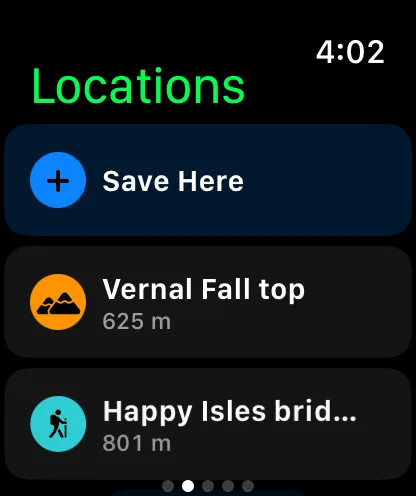
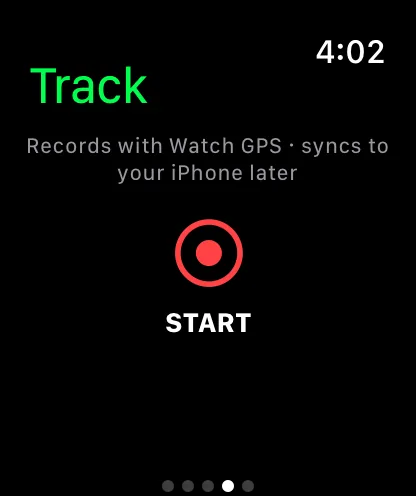
A full compass, your places and route recording on Apple Watch. Feel a tap when you drift off course, and glance down to see how far is left.
Haptics guide you so you can keep your eyes on the trail.
Mark a place from your wrist and choose where to go, no phone needed.
Keeps going with your wrist down, then syncs the route to your iPhone.
Distance to your target on the watch face, in your theme's colors.
On the Lock Screen, in the Island.
Navigation keeps going while your iPhone is locked: destination, turn, distance, speed and arrival time, without opening the app.
Dynamic Island
Touch and hold to see the whole picture. Tap to jump back to the compass.
 Upper Pines camp1.4 kmTurn right 16° · 18 min
Lock Screen
Live distance and guidance, plus recording time and distance while you track.
Widgets & controls
Saved places on the Home and Lock Screen, and an “I parked here” button for Control Center.
From clean and modern
to full tactical.
Pick a look and the whole app follows: dial, type, maps, widgets, Live Activities and the watch. Sixteen themes (Modern SF comes light, dark or auto), two compass dials, six app icons.
Tap a theme to see it in the app, and this whole page switches to match. Your pick is saved for next time.
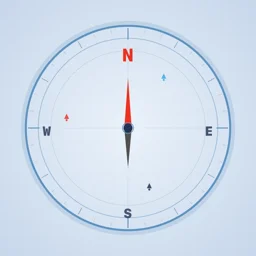
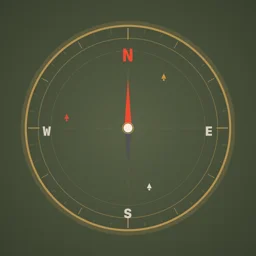
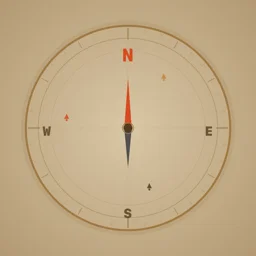
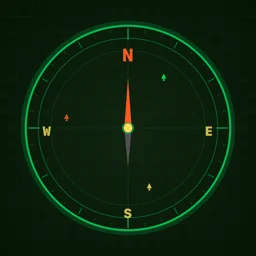
 Six app icons
“I parked here.”
Save, navigate and record hands-free, or build your own automations. Make GoBack save the car every time CarPlay disconnects.
Where you go is your business.
Your places and routes stay on your devices and in your own iCloud. There's nothing to sign up for and nothing tracking you.
Open it and go. No sign-up, no login, no profile.
No analytics, advertising or tracking SDKs. None.
Places and routes live on your iPhone and Watch.
Backups go to your private iCloud, which we can't read.
Never lose your way back.
GoBack for iPhone, with its Apple Watch app included.
Requires iOS 16 or later · Apple Watch app requires watchOS 9 or later